
This document is the operator's guide for the 3M IPC 2000 MP7640 multimedia projector, providing information on its features and characteristics.
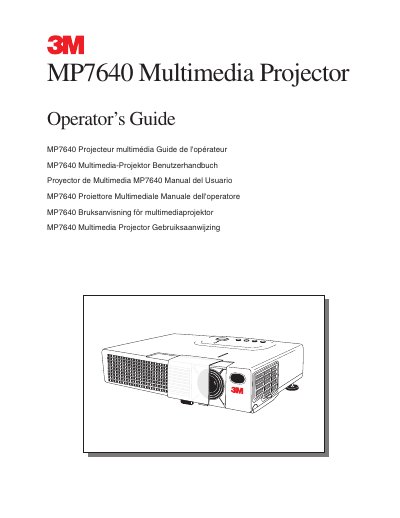
The document serves as an operator's guide for the 3M MP7640 multimedia projector. It covers unpacking contents, product description, basic operations including startup and shutdown, and various adjustments such as height adjustment and menu navigation.
Key sections include maintenance procedures like cleaning air filters and replacing lamps, troubleshooting guides with symptom/solution tables, and information on accessories. The guide also details safety precautions and warranty terms.
The product is warranted against defects in material and workmanship for two years from the date of purchase.
Lamps are considered consumable items and are warranted for 90 days or 180 hours, whichever occurs first.
The projector is designed to operate safely within a bandwidth of 110 to 230 volts ± 10 volts.