
This is the user manual of the DP-758 7-inch widescreen color TFT LCD digital photo frame of Coby Electronics Corporation
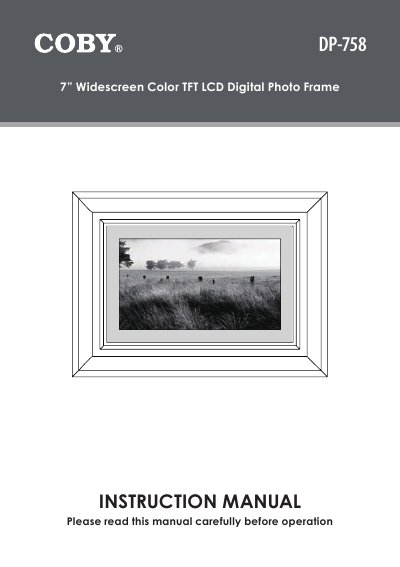
This document is the instruction manual for the COBY DP-758, a 7-inch widescreen color TFT LCD digital photo frame. It provides safety warnings, lists package contents and features, and details the location of controls on the device. The guide explains how to install a memory card, power on the unit, and navigate through various modes including the item list, photo slideshow, calendar, and clock. It also covers setup adjustments for picture and LCD settings, faceplate interchangeability, and firmware upgrades. The manual concludes with troubleshooting steps and technical specifications.
| Screen Size | 7 inch |
|---|---|
| Product Type | Digital Photo Frame |
Refer to the 'Getting Started' section for instructions on installing a memory card.
Yes, you can rotate the photo or change the screen ratio in the Photo Mode.
Use the Setup Mode to adjust the Picture/Clock/LCD settings and reset the device.