
Agilent GC Troubleshooting Series Part Five: Split Peaks Notes

This manual introduces the possible causes and solutions of GC split peaks
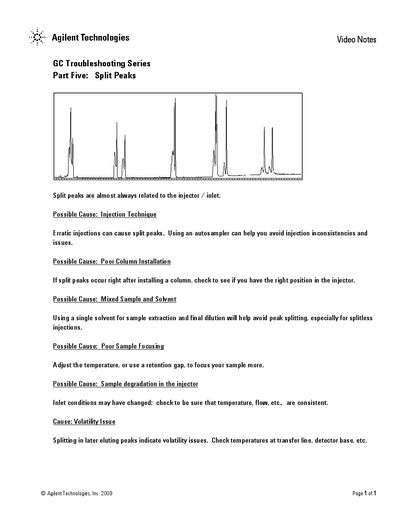

Agilent GC Troubleshooting Series Part Five: Split Peaks Notes - cover page
Brand
Agilent
Category
Other Electronics
Document type
Product Leaflet
Language
English
Pages
1
File format
PDF
File size
62 KB
Published
04 July, 2012
Updated
01 October, 2023
MD5 checksum
A3535FF58E33267A8B2F4DE281FA18A6

About this manual

This document is part of the Agilent GC Troubleshooting Series, specifically addressing the issue of split peaks in Gas Chromatography. It outlines that split peaks are almost always related to the injector or inlet.

What's inside

  • Injection Technique
  • Column Installation
  • Mixed Sample and Solvent
  • Sample Focusing
  • Sample Degradation
  • Volatility Issue

Frequently asked questions

What causes split peaks in Gas Chromatography?

Split peaks are almost always related to the injector or inlet.

How can injection technique affect peak splitting?

Erratic injections can cause split peaks, and using an autosampler can help avoid these inconsistencies.

What should be checked if split peaks occur after installing a column?

You should check to see if you have the right position in the injector.

How can sample volatility issues be identified?

Splitting in later eluting peaks indicates volatility issues, requiring a check of temperatures at the transfer line and detector base.

Download PDF (62 KB)

More Agilent Manuals


View all Agilent manuals →