
This document is the instruction manual for the 61-605 digital multimeter
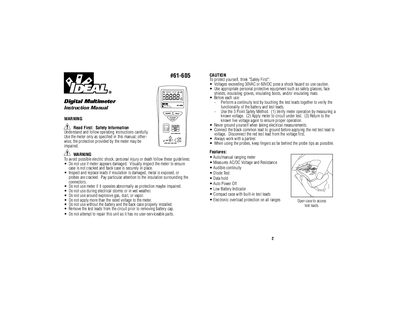
This document is the instruction manual for the Ideal 61-605 Digital Multimeter. It provides essential safety warnings regarding electric shock and equipment damage, detailing proper usage of test leads and personal protective equipment.
The guide explains how to operate the meter in both auto-ranging and manual ranging modes. It covers specific functions including AC/DC voltage measurement, resistance (Ohms), continuity testing with audible indication, and diode testing.
| Display | 3-1/2 digit LCD with 2000 counts |
|---|---|
| Measurement Rate | 2 times per second, nominal |
| Auto Power Off Time | Approximately after 10 minutes of non-use |
| Battery Life | 70 hours continuous with alkaline |
| Dimensions | 4.9"H x 2.4"W x 0.9"D |
| Weight | 3.9 oz (110g) |
Press the Mode Switch button to toggle between AC and DC in the voltage measurement mode.
Press the Hold button on the meter; 'HOLD' will appear in the display.
The measurement response time is 500ms.