
This manual introduces the use of the 61-773 and 61-775 models 1000A TRMS clamp meters.
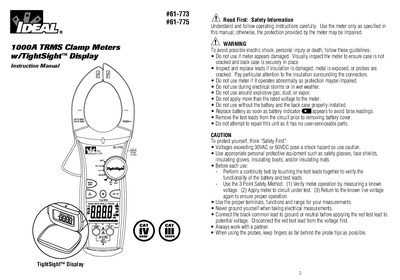
This document serves as the instruction manual for the Ideal 61-773 and 61-775 series of 1000A TRMS Clamp Meters equipped with a TightSight™ Display. The guide covers essential safety information, including warnings about electrical shock, explosive environments, and proper usage of test leads. It details specific features for both models, such as the DC current measurement capability of the 61-775 model.
| Max Current (AC) | 1000A |
|---|---|
| Battery Type | 9V (NEDA 1604) |
| Battery Life | 100 hours continuous |
| Auto Power Off Time | 30 minutes |
| Jaw Opening | 2.0 inches (61mm) |
The 61-775 model measures DC current in addition to AC current, while the 61-773 does not.
Press and hold the Hz button while turning the dial to any desired function.
The meter displays a low battery indicator (MEM), which lasts for about one hour before shutting down.