
This document is the instruction manual for the 600 AAC Clamp Meter. It describes the features and characteristics of the product, as well as provides safety instructions for its use.
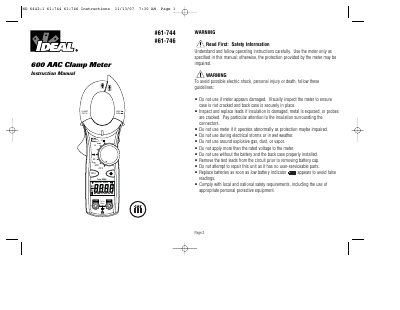
This document provides operating instructions for the IDEAL #61-744 (averaging sensing) and #61-746 (true rms sensing) 600 AAC clamp meters. It details safety precautions, features such as non-contact voltage detection and data hold, and step-by-step procedures for measuring AC current, voltage, resistance, and continuity.
| Max AC Current | 600 AAC |
|---|---|
| Battery Type | (2) 1.5V "AAA" batteries |
| Safety Category | Cat III-600V |
| Battery Life | 400 hours (61-744) / 250 hours (61-746) |
The #61-744 uses averaging sensing with rms calibration, while the #61-746 uses true rms sensing.
Press the Hold button on the side of the meter; "HOLD" will appear in the upper left of the display.
The meter automatically powers itself down after about 10 minutes of no use.
No, the unit has no user-serviceable parts and should not be repaired by the user.