
Key facts
- Brand
- MIDIMAN
- Model
- PORTMAN 4x4
- Category
- Other Electronics
- Industry
- Electronics
- Documents
- 2
- Languages
- EN
- Last added
- 2012-07-04
Start here
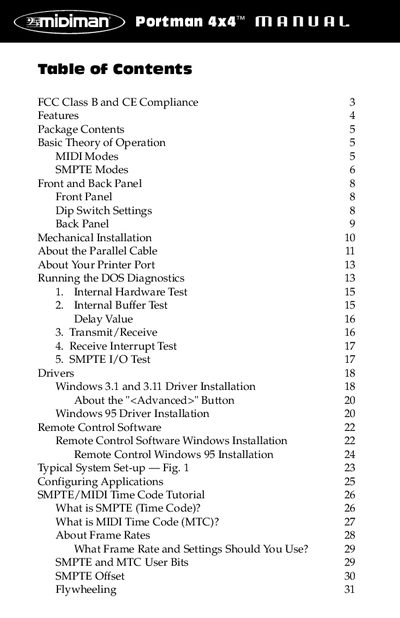
Midiman PORTMAN 4x4/S Parallel Port MIDI Interface User Manual
This manual provides instructions for the Midiman PORTMAN 4x4/S, a third-generation external MIDI interface that connects to a PC parallel port. It supports 64 channels of MIDI input and output and includes built-in SMPTE time code reader/writer/regenerator capabilities. The device operates in two modes: Interface mode for multi-port MIDI routing and Patchbay mode for user-configurable MIDI patching.
Read onlineMIDIMAN PORTMAN 4x4 specifications
| MIDI Channels | 64 channels of MIDI output and 64 channels of MIDI input |
|---|---|
| Interface Type | Parallel port |
| Power Supply | DC 9v 500 ma |
Source: Midiman PORTMAN 4x4/S Parallel Port MIDI Interface User Manual
All MIDIMAN PORTMAN 4x4 documents by type
Day-to-day operation, settings and troubleshooting. Start here if the product is already set up.
Questions answered in these manuals
What are the two modes of operation for the PORTMAN 4x4/S?
The device has two modes: Patchbay mode, where MIDI inputs are routed to outputs according to user programs, and Interface mode, where it operates as a dedicated multi-port interface.
From: Midiman PORTMAN 4x4/S Parallel Port MIDI Interface User Manual
How do you reset the PORTMAN 4x4/S to factory defaults?
Hold the Write Button while powering up the unit to reset all internally-stored values to their factory defaults.
From: Midiman PORTMAN 4x4/S Parallel Port MIDI Interface User Manual
What cable is required for installation?
A standard fully Centronics-compatible PC printer cable with all 25 wires present and connected according to specification.
Which Windows drivers are included?
Drivers for Windows (Windows 98/95) and Cakewalk for DOS.