
This is a user manual of COBY® Smart >™ USB MP3 player. It introduces the features and characteristics of the player, how to connect headphones, power, computer, how to transfer music, how to play music
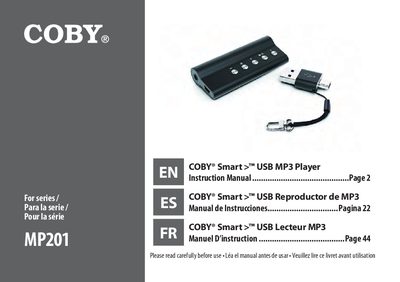
The Coby MP201 is a USB MP3 player featuring a slim design, a 3.5mm headphone jack, and a mini USB adapter that doubles as a key chain. It supports MP3 and WMA digital music files and includes professional stereo earphones and Coby Media Manager software for Windows and Mac OSX.
| Supported Formats | MP3 and WMA digital music files |
|---|---|
| Power Source | 1 x "AAA" battery |
| USB Speed | USB 2.0 Hi-speed |
| Included Software | Coby Media Manager |
Yes, you can perform basic file management using your computer's operating system commands if you choose not to use Coby Media Manager.
This device plays MP3 and WMA digital music files.
The player operates on one AAA battery.
You must press and hold the Play/Pause button for at least 3 seconds to turn the player off.