
This is the instruction manual for the MP815 EN 2.8-inch widescreen video MP3 player. It introduces the product's features and usage methods.
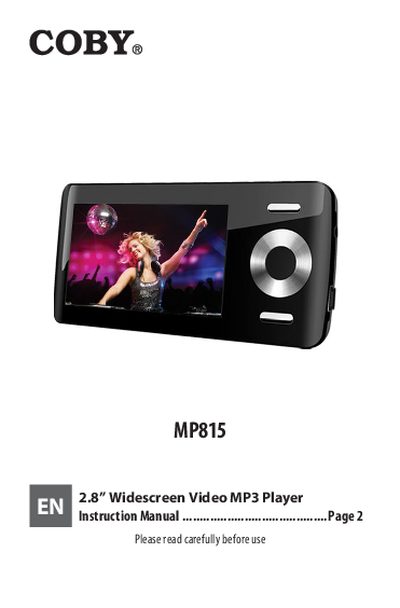
This document is the user instruction manual for the COBY MP815, a 2.8" widescreen video MP3 player with integrated flash memory and FM radio. It guides users through unboxing, initial setup including battery charging, and operating the device's various playback modes.
The guide details how to navigate music, photos, videos, text, and radio functions using the front control buttons. It also explains procedures for transferring files between a computer and the player via USB 2.0 Hi-speed connection, as well as firmware upgrade steps.
| Display Size | 2.8" TFT LCD full-color display |
|---|---|
| Memory Type | Integrated flash memory |
| USB Interface | USB 2.0 Hi-speed |
| Audio Support | ID3 and LRC support |
Slide the POWER switch up until it clicks into the Hold position.
The battery should be charged fully upon initial use for optimal performance.
The controls are disabled and a lock icon will appear on the screen.