
With the PT-6100, you can create labels for any application. Select from the many frames, character sizes and styles to design beautiful custom labels. In addition, the variety of tape cartridges available allows you to print labels with different widths and exciting colors.
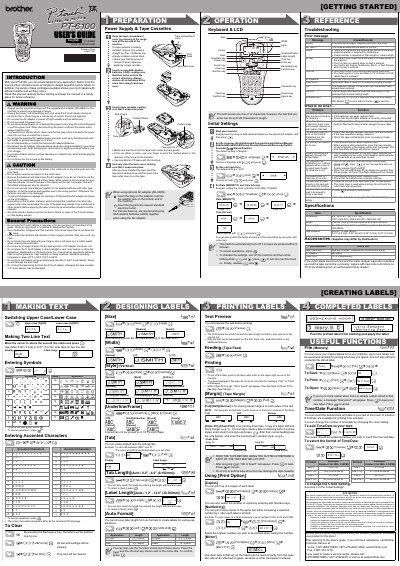
The Brother PT-6100 is a portable label maker designed to create custom labels for various applications. It supports multiple tape widths (0.13", 0.23", 0.35", and 0.47") and allows users to select from different frames, character sizes, and styles. The device can be powered by six AAA alkaline batteries or an optional AC adapter.
| Dimensions | 4.3" (W) x 8.1" (D) x 2.3" (H) |
|---|---|
| Weight | 0.80 lbs. (865 g) |
| Power Supply | Six AAA alkaline batteries or optional AC adapter |
| Tape Cassette Widths | 0.13", 0.23", 0.35", 0.47" |
The machine requires six AAA alkaline batteries (LR03) or an optional AC adapter.
All text and formats in the display will be lost, along with Language, Unit, and Time/Date settings.
The PT-6100 supports Brother TZ tapes with widths of 0.13", 0.23", 0.35", and 0.47".