
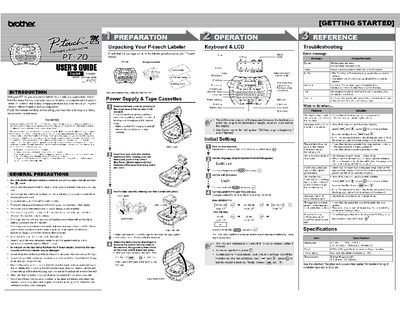
Brother PT-70 P-touch Labeler User's Guide


Brother PT-70 P-touch Labeler User's Guide - cover page
Brand
Brother
Category
Printer
Document type
User Manual
Language
English
Pages
2
File format
PDF
File size
451 KB
Published
02 July, 2012
Updated
02 July, 2012
MD5 checksum
701DE9A8E4E4A4D200C5FB292895A40A

About this manual

This manual provides instructions for the Brother PT-70 P-touch Labeler, a device used to create custom labels with various frames, character sizes, and styles. It details the unpacking process, installation of batteries and tape cassettes, and how to operate the keyboard and LCD display to design and print labels.

What's inside

  • Introduction
  • General Precautions
  • Preparation
  • Operation
  • Initial Setting
  • Error Message
  • Troubleshooting
  • Specifications

Frequently asked questions

How long does the labeler stay on if no key is pressed?

The machine automatically turns off if no key is pressed within 5 minutes.

What happens to the display settings when power is disconnected for more than five minutes?

All text and formats in the display will be lost, along with language and clock settings.

Download PDF (451 KB)

More Brother Manuals


View all Brother manuals →