
This manual introduces the use of P-touch. You can create various labels using P-touch, including address labels, file labels, etc. P-touch offers a variety of fonts and frames to choose from, and you can create your own favorite labels. P-touch also offers many pre-formatted templates to make label making quick and easy.
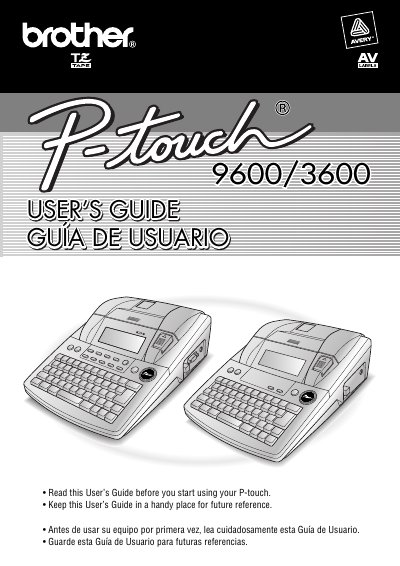
The Brother PT-9600/3600 is a versatile label printer designed for creating custom labels with various frames, fonts, and character styles. It supports three types of AV label cassettes to produce easy-to-peel address and filing labels quickly using pre-formatted templates.
This User's Guide covers the complete operation of the device, from initial setup and connecting to a computer to advanced functions like text editing, formatting, and barcode creation. It also includes instructions for storing and recalling files, machine adjustments, and troubleshooting common errors.
| Product Name | Brother Label Printer P-touch 9600/3600 |
|---|---|
| Model Number | PT-9600/3600 |
The printer supports three types: AV2067 (address labels), AV1957 (return address labels), and AV1789 (file folder labels).
Yes, the P-touch will make a noise when it is turned on or while it is printing; however, this does not indicate a malfunction.