
This document is the owner's manual for Brother International Corporation's IntelliFAX 3550. The manual includes information on setting up and preparing the product, using the control panel keys, on-screen programming and help key, telephone function settings, copy function, sending and receiving faxes, remote fax options, printing reports and lists, replacing the toner cartridge and drum unit, regular maintenance and troubleshooting.
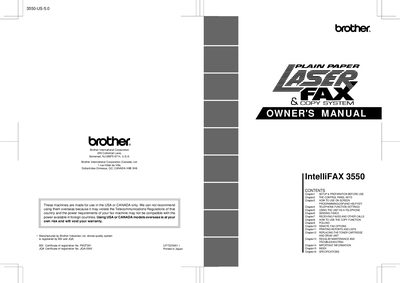
This manual provides instructions for the Brother IntelliFAX-3550 multifunction fax machine. It covers initial setup, including choosing a suitable location and connecting phone lines. The guide details how to use the control panel keys and on-screen programming (OSP) to configure settings such as date, time, and station ID.
You must remove the drum unit assembly, including the toner cartridge, and place it in a zip lock bag.
You should fax the completed test sheet to 1-908-469-4547.
You can call 1-800-284-4FAX (4329) for voice phone assistance.