
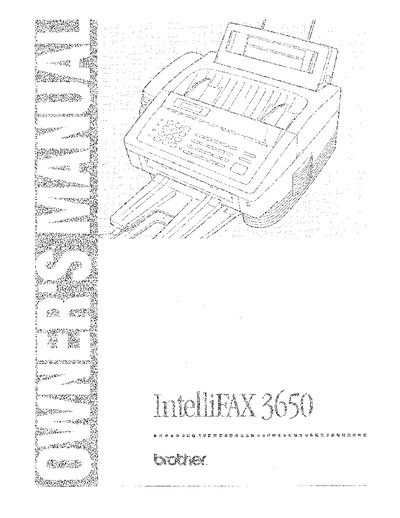
Brother IntelliFAX-3650 Owner's Manual


Brother IntelliFAX-3650 Owner's Manual - cover page
Brand
Brother
Category
All-in-one printer
Document type
User Manual
Language
English
Pages
144
File format
PDF
File size
18.8 MB
Published
02 July, 2012
Updated
02 July, 2012
MD5 checksum
82EB8A599F203EF70036B5261596EDDE

About this manual

This manual serves as a comprehensive guide for the Brother IntelliFAX-3650 fax machine. It begins with instructions on how to use the manual itself and provides detailed steps for setting up the device, including choosing a suitable location and connecting phone lines. The document explains various programming features such as One Touch Dialing, Speed Dial, and On-Screen Programming (OSP).

What's inside

  • How to Use This Owner's Manual
  • Setup & Preparation Before Use
  • Using the Unit as a Telephone
  • Sending Faxes
  • Receiving Faxes and Other Calls
  • Caller ID
  • Polling
  • Remote Fax Options
  • Troubleshooting and Regular Maintenance
  • Specifications

Specifications

Document TypeFax Machine

Frequently asked questions

What must be done before shipping the fax machine?

The DRUM UNIT assembly including the TONER CARTRIDGE must be removed from the Fax Machine and placed in a plastic bag.

How can I verify my fax machine is properly installed?

You should print out the TEST SHEET included with your fax machine and fax it to Brother's Automated Fax Response System.

What is the purpose of the Test Sheet Procedures?

To verify that the fax machine is properly installed by sending a test sheet to Brother's system.

Download PDF (18.8 MB)

More Brother Manuals


View all Brother manuals →