
Yamaha PM1D V2 System Software Installation Guide

This document is the installation guide of Yamaha PM1DV2K software upgrade kit, which introduces the features and usage of the upgrade package.
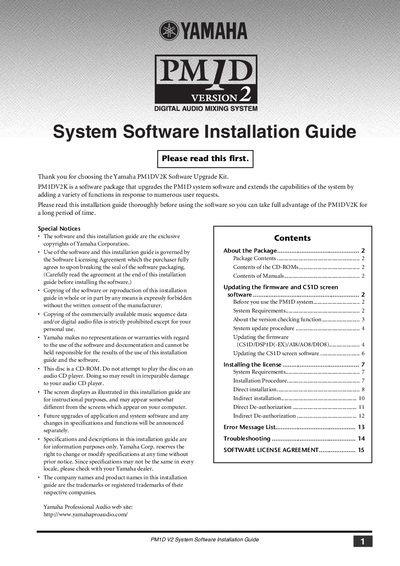

Yamaha PM1D V2 System Software Installation Guide - cover page
Brand
Yamaha
Document type
User Manual
Language
English
Pages
16
File format
PDF
File size
469 KB
Published
13 June, 2012
Updated
30 September, 2023
Model
PM1D
MD5 checksum
231956CB2977F20840F483BC3C36BBC3

About this manual

This document is an installation guide for the Yamaha PM1DV2K Software Upgrade Kit. It details how to install the V2 system software on a PM1D Digital Audio Mixing System using the included CD-ROM. The process involves updating the firmware of all connected components (CS1D, DSP1D, AI8, AO8, DIO8) and the CS1D screen software to ensure version consistency.

What's inside

  • About the Package
  • Updating the firmware
  • System Requirements
  • About the version checking function
  • Installing the license
  • Error Message List

Frequently asked questions

What hardware is required to update the system software?

You need an IBM PC/AT compatible computer with a Pentium II 233 MHz processor and 64 MB of memory or better.

What is the minimum free hard disk space needed for the update?

The installation process requires at least 10 MB of free hard disk space.

Is a specific type of memory card required to install the software?

Yes, you must use one ATA-compliant PCMCIA Type II PC Flash Storage card.

Download PDF (469 KB)

More Yamaha Manuals


View all Yamaha manuals →