
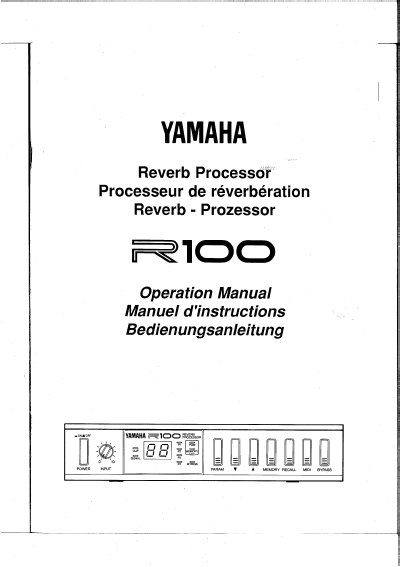
The Yamaha R100 is a digital reverb processor featuring 60 pre-programmed effects ranging from subtle to dynamic sounds. It includes stereo outputs for dramatic separation and allows users to edit four parameters per program for custom sound creation.
This operation manual provides instructions on connecting the unit, selecting effect programs via the front panel or MIDI, bypassing effects using a footswitch, and editing specific parameters such as decay time and feedback levels.
| Number of Pre-programmed Effects | 60 |
|---|---|
| Power Supply Requirement | PA-1C (or PA-1) AC Adaptor |
| Number of Editable Parameters per Program | 4 |
No, only the supplied Yamaha PA-1C (or PA-1) AC Adaptor should be used.
The unit comes with 60 superb pre-programmed Yamaha digital effects.
The unit must be powered using the supplied Yamaha PA-1C (or PA-1) AC Adaptor.
The sound will be distorted, and you should lower the setting of the INPUT level control.