
PM5D system software V1.10 includes the following changes and additions relative to V1.04 (changes in V1.05 are also included). Use ENCODER [ON] keys to turn phantom power (+48V) on/off A “USE ENCODER-ON AS +48V” option has been added to the PREFERENCE 1 screen. If this option is on, and HA (head amp input sensitivity) is selected as the encoder mode, you can use the ENCODER [ON] key located above each encoder to turn phantom power supply (+48V) on/off. Switch parameter value indication on/ off in the Name display A “CHANNEL NAME NUMERIC DISPLAY” field has been added to the PREFERENCE 2 screen. In V1.04 and earlier, operating the fader or encoder (pan setting) of each channel caused the name display to show the value of that parameter. In V1.05 and later, turning the “ENCODER VALUE” and “FADER VALUE” options off will prevent the respective parameter value from appearing when you operate the fader or encoder. Select the monitor source from the panel When selecting a monitor source from the panel in V1.04 or earlier, you could simultaneously select one source from [2TR A1]–[2TR D3] or [DEFINE] and one source from [STEREO A]/[STEREO B] (including LCR), for a maximum total of two sources. In V1.05 and later, turning on one key will turn off the other keys, allowing you to select a single monitor source more rapidly. If you want to select two sources simultaneously (as in V1.04 and earlier), press the corresponding panel keys simultaneously, or use the MONITOR screen.
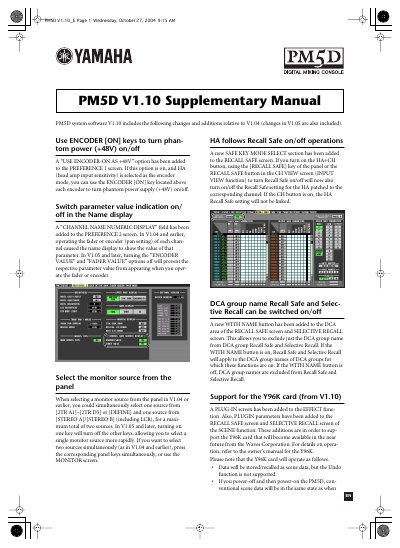
The document outlines updates to the Yamaha PM5D digital mixing console, specifically detailing new features in system software V1.10 relative to previous versions like V1.04 and V1.05. Key additions include options for using encoder keys to control phantom power, toggling numeric display values on channel names, and improved monitor source selection logic.
A 'USE ENCODER-ON AS +48V' option has been added to the PREFERENCE 1 screen.
Turning on one key will turn off the other keys, allowing you to select a single monitor source more rapidly.
Yes, support for the Y96K card is included starting from V1.10.