
This document is about PM5D system software V1.20 version update. The main changes are: ENCODER [ON] keys can be used to turn phantom power (+48V) on/off, parameter value indication can be turned on/off in the Name display, and from the panel, you can select a maximum of 2 monitor sources.
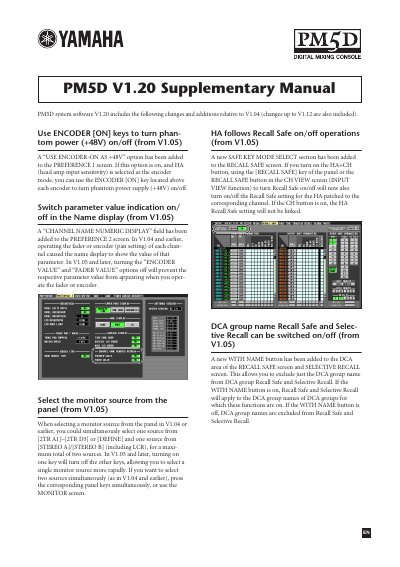
This document serves as a supplementary guide for the Yamaha PM5D Digital Mixing Console, detailing updates introduced in system software version V1.20. It outlines changes relative to previous versions V1.04, V1.12, and V1.05, covering features such as phantom power control, channel naming, and monitor source selection.
This option allows you to use the ENCODER [ON] key to turn phantom power supply (+48V) on/off when HA (head amp input sensitivity) is selected as the encoder mode.
In V1.05 and later, turning on one key will turn off the other keys, allowing you to select a single monitor source more rapidly.
No, SETUP data created on system software V1.05 or later cannot be loaded into a system that is running V1.03 or earlier.