
This is a PM5D system software V1.12 update notice, including all updates from V1.04 to V1.10. The main updates include the ability to turn on/off phantom power with the ENCODER [ON] key, turn on/off parameter value indication in the Name display, and select the monitor source from the panel.
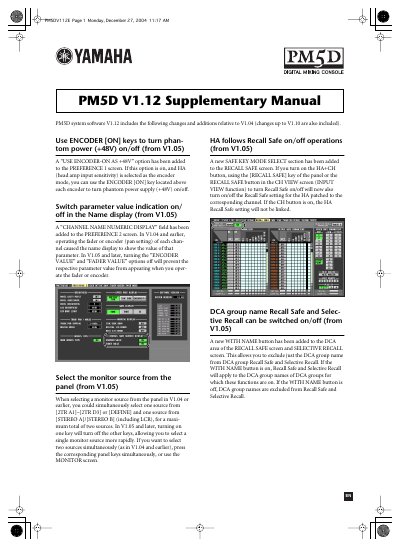
This document serves as a supplementary guide for the Yamaha PM5D V1.12 digital mixing console. It outlines specific changes and additions relative to previous versions, including V1.04 and V1.10. Key updates cover phantom power control via encoder keys, parameter display settings, and monitor source selection improvements.
| Software Version | V1.12 |
|---|---|
| Compatible DME Units | DME64N/24N |
V1.12 includes changes and additions relative to V1.04, with changes up to V1.10 also included.
Users can use the ENCODER [ON] keys to turn phantom power (+48V) on/off.
Yes, the system supports the Y96K card, which allows for PLUG-IN screen functionality and scene data storage.