
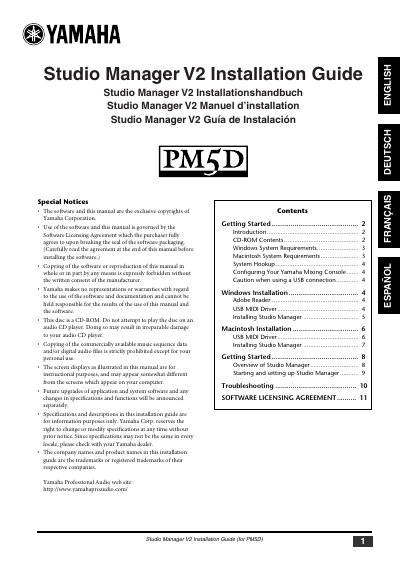
Yamaha Studio Manager V2 Installation Guide for PM5D


Yamaha Studio Manager V2 Installation Guide for PM5D - cover page
Brand
Yamaha
Document type
Installation Guide
Language
English
Pages
11
File format
PDF
File size
907 KB
Published
13 June, 2012
Updated
29 September, 2023
MD5 checksum
E29C3E72D22D57878BAD8DDBC4113257

About this manual

Yamaha Studio Manager enables users to control their Yamaha mixing console from a computer. This installation guide covers the setup process for both Windows and Macintosh operating systems, including system requirements and software licensing agreements.

The document provides detailed instructions for installing the Adobe Reader, the Yamaha USB MIDI Driver (for both Windows 2000/XP and Mac OS X), and the Studio Manager application itself. It also includes specific configuration steps for the PM5D mixing console and important precautions when using a USB connection.

What's inside

  • Getting Started
  • System Requirements
  • System Hookup
  • Configuring Your Yamaha Mixing Console
  • Windows Installation
  • Macintosh Installation
  • Installing Studio Manager

Frequently asked questions

What operating systems are required for Windows installation?

You must use Windows 2000, XP Home Edition, or XP Professional.

How long must you wait between turning the mixing console on and connecting the USB cable?

You must wait at least three seconds.

Download PDF (907 KB)

More Yamaha Manuals


View all Yamaha manuals →