
This document is a quick start guide for the C-4000 ZOOM digital camera. The guide provides instructions on how to open the camera's battery compartment, insert batteries, close the battery compartment, and more.
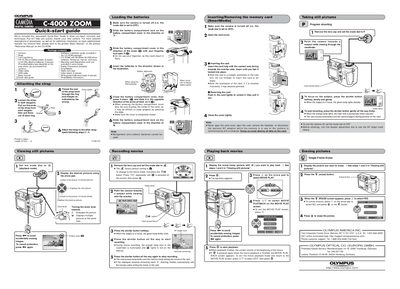
This document serves as a convenient Quick-start Guide to help users quickly master basic functions and techniques of the Olympus CAMEDIA DIGITAL CAMERA C-4000 ZOOM. It outlines essential procedures such as attaching the strap, loading batteries (CR-V3 lithium or AA alkaline), inserting SmartMedia cards, and operating the viewfinder and monitor.
| Macro shooting distance (Normal) | 80 cm to ∞ (2.6 ft to ∞) |
|---|---|
| Macro shooting distance | 20 cm to 80cm (0.6 ft to 2.6 ft) |
| Super macro mode distance | as close as 2 cm |
| Optical zoom | 3x |
| Digital zoom capability | up to approx. 10x |
| ISO sensitivity options | AUTC/100/200/400 |
No, manganese (zinc-carbon) batteries cannot be used with this camera.
Press the 'On' button on the arrow pad to activate the Protect mark; press it again to cancel protection.
The camera offers a 3x optical zoom that can be extended by 3.5x digital zoom for up to approximately 10x total zoom.