
This is a quick start guide for using the OLYMPUS Digital Photo Printer P-S100 printer with other Olympus Dock&Done products.
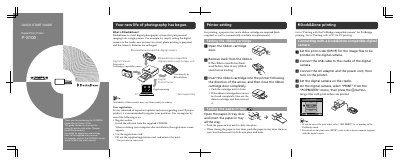
The Olympus P-S100 is a digital photo printer designed to work within the Dock&Done total digital photography system. This Quick Start Guide provides initial setup instructions for the ribbon cartridge and paper-in tray, as well as basic operation procedures.
The document details how to connect and print using compatible Olympus Dock&Done cameras via USB cradle or storage unit connections. It also explains how to use PictBridge-compatible cameras directly with the printer.
A paper-in tray and a ribbon cartridge are required for printing.
Connect your PC to the printer using a commercially available USB cable (A-B type, less than 3 m).