
This is a quick start guide for an Olympus digital camera, introducing how to load batteries, adjust the viewfinder, set the date and time, etc.
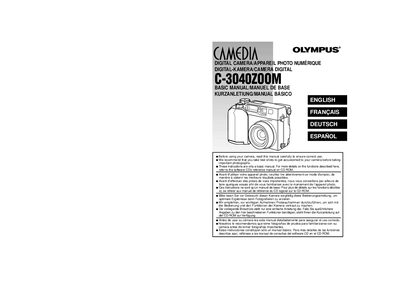
This document serves as a basic manual for the Olympus C-3040ZOOM digital camera. It provides essential instructions for getting started, including attaching the strap and identifying parts. The manual advises users to read it carefully before use and to take test shots to familiarize themselves with the device. For more detailed information on specific functions, users are directed to the reference manual on the included software CD-ROM.
The guide covers key operational areas such as basic functions, recording, playback, printing pictures, and downloading images to a computer. It also includes a section on error codes and technical specifications. Important safety precautions regarding battery handling, storage environments, and usage conditions are emphasized to ensure the longevity and safe operation of the camera.
| Battery Type | CR-V3 Lithium Battery Pack |
|---|---|
| Storage Media | SmartMedia card |
| Interface | RS-232C PC serial cable |
| Interface | USB connector |
We recommend that you take test shots to get accustomed to your camera before taking important photographs.
For more details on the functions described here, refer to the software CD's reference manual on CD-ROM.