
This manual provides detailed information on how to use the C-3030ZOOM digital camera. We recommend that you take some test shots to familiarize yourself with the camera's operation before taking important photographs.
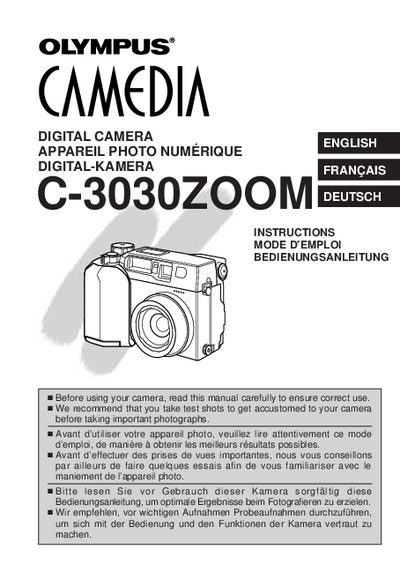
This manual provides instructions for the Olympus C-3030ZOOM digital camera. It details the preparation of the camera, including loading batteries and inserting SmartMedia cards. The guide explains how to attach the strap and use the AC adapter.
| Battery Type | 2 CR-V3 lithium battery packs or 4 AA NiMH batteries |
|---|---|
| Memory Card Type | SmartMedia |
| Voltage Requirement | AC220V |
The camera uses 2 CR-V3 lithium battery packs or 4 AA NiMH batteries, NiCd batteries, alkaline batteries, or lithium batteries.
No, you must use 3V (3.3V) cards only, as 5V cards cannot be used.
Select CARD SETUP in the menu, choose the format option, and press OK to confirm.