
This document is a user manual for Olympus digital camera. It includes instructions for basic operation, basic shooting, advanced shooting, playing back, printing, and camera settings. It is recommended to take test shots before taking important photographs to become familiar with the camera. The document also provides information on using card media, printers, TVs, and computers with the camera. The camera supports direct buttons for functions such as erasing or protecting pictures and setting the flash mode.
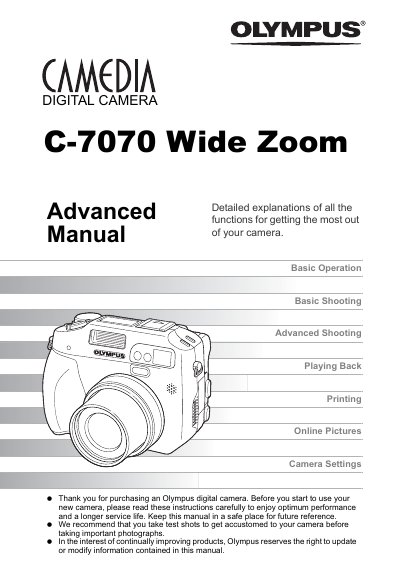
This document serves as the Advanced Manual for the Olympus C-7070 Wide Zoom digital camera, designed for users who have already mastered the basics. It offers detailed explanations of all functions to help users get the most out of their camera, including advanced shooting techniques, creative modes, and playback features. The guide also covers how to use the OLYMPUS Master software for editing and printing pictures.
The direct buttons allow you to perform specific functions such as erasing or protecting pictures, setting the flash mode, and making general camera operation easier.