
Olympus C-7070 Wide Zoom Digital Camera QuickStart Guide

This is the basic manual for OLYMPUS C-7070 Wide Zoom DIGITAL CAMERA
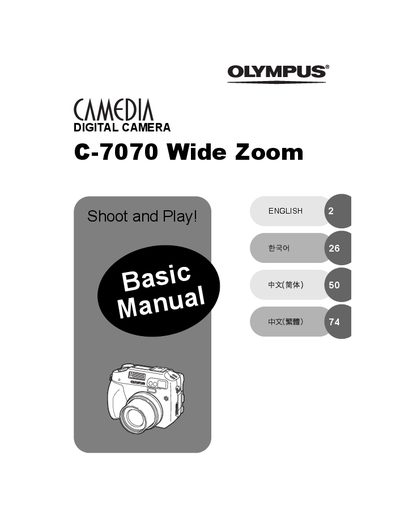

Olympus C-7070 Wide Zoom Digital Camera QuickStart Guide - cover page
Brand
Olympus
Category
Digital cameras
Document type
User Manual
Language
English
Pages
100
File format
PDF
File size
9.1 MB
Published
08 June, 2012
Updated
30 September, 2023
Model
C-7070
MD5 checksum
B692A23C4B28D8185006D789EE9A97F8

About this manual

This document serves as a QuickStart Guide for the Olympus C-7070 Wide Zoom digital camera. It provides essential instructions for new users to safely unpack, charge, and operate the device. The guide covers fundamental operations such as turning the camera on and off, taking pictures, reviewing images, and using the mode dial and direct buttons to control shooting settings. It also explains how to store images on xD-Picture Cards and transfer them to a computer or printer.

What's inside

  • How to USE the CAMERA
  • Safety Precautions
  • UNPACKING THE BOX CONTENTS
  • CHARGING THE BATTERY
  • LOADING THE BATTERY
  • INSERTING A CARD
  • TURNING THE CAMERA ON
  • TAKING A PICTURE
  • REVIEWING A PICTURE
  • Specification

Frequently asked questions

What type of card media does this camera use for storing pictures?

Pictures taken with this camera are stored on xD-Picture Card media.

How can a user print pictures directly from the camera without a computer?

You can use a PictBridge-compatible printer to print pictures directly from your camera.

Download PDF (9.1 MB)

More Olympus Manuals


View all Olympus manuals →