
Introduces how to use a digital camera, including taking pictures, viewing, setting, printing pictures, connecting to a computer, etc.
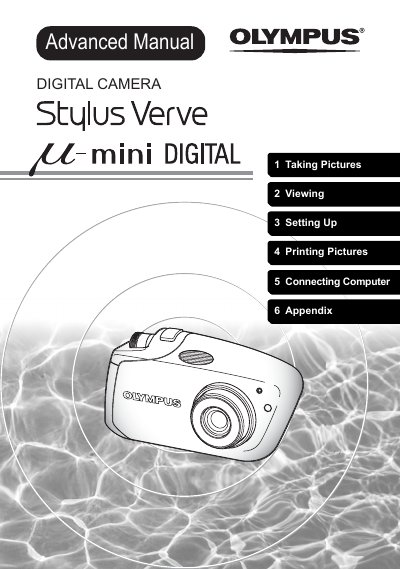
The Olympus Stylus Verve LE mini DIGITAL is a compact digital camera designed for capturing still pictures and movies. This user manual guides users through various functions including scene modes, zoom systems, flash usage, and picture quality settings to help take optimal photos in different lighting conditions.
Beyond shooting, the guide details how to view, edit, and manage images on the camera's monitor or a connected TV. It also explains procedures for printing pictures using PictBridge-compatible printers or direct printing functions, as well as transferring data to a computer via OLYMPUS Master software.
The index display allows you to view several thumbnail pictures on the monitor at once, which is useful when looking for a specific picture.
You can change the number of pictures displayed by pressing the side of the zoom button while in playback mode.
The caution symbol indicates important information regarding factors that may lead to malfunction or operational problems.