
This document is an instruction manual for Olympus digital cameras, providing information on the features and usage of the product.
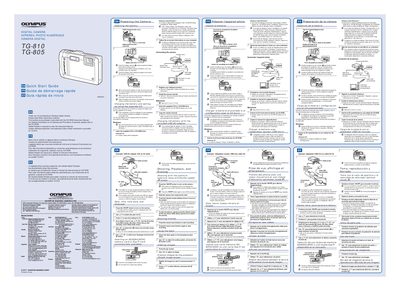
This document serves as a Quick Start Guide for the Olympus TG-810 and TG-805 digital cameras. It directs users to the CD-ROM Instruction Manual for detailed feature information and warranty provisions, while providing essential steps for initial setup in English, French, and Spanish.
The guide covers preparing the camera by inserting the battery correctly, connecting the device to a computer via USB cable or the included USB-AC adapter (F-2AC) to charge the battery, and performing user registration. It specifies system requirements, recommending Windows XP, Vista, or 7 for software installation.
We recommend that you use a computer equipped with Windows XP (Service Pack 2 or later), Windows Vista, or Windows 7.
No, make sure that shooting is not being used while the USB-AC adapter is connected to the camera.