
This is a product manual for the Olympus SZ-14 digital camera
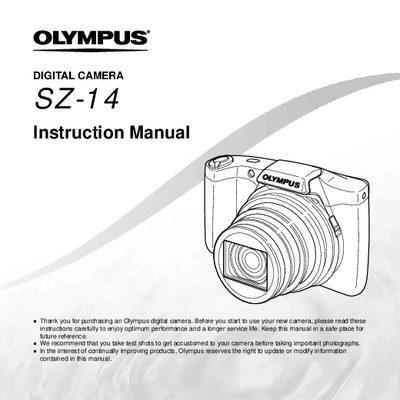
This document is the official user guide for the Olympus SZ-14 digital camera. It provides step-by-step instructions on checking box contents, attaching accessories like the strap, and navigating the camera's physical controls including buttons, dials, and the zoom lever.
The manual details how to switch between shooting and playback modes, use various shooting functions such as flash, self-timer, and image stabilization, and adjust settings via the menu system. It also explains playback features like 3D imaging and adding sound to photos.
The package includes a digital camera, strap, lithium ion battery (L-508), USB cable, AV cable, USB-AC adapter, CD-ROM, and warranty card.
You should take test shots to get accustomed to your camera.
Updates are available at the website www.olympusamerica.com/digital.