
This document provides instructions on how to operate and maintain the 5973N MSD hardware and 6890 GC, and includes resources such as online help, troubleshooting, and maintenance manuals.
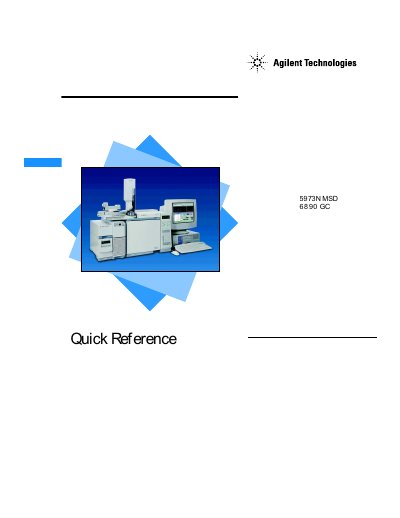
This document serves as a quick reference manual for the Agilent 5973N MSD coupled with a 6890 Gas Chromatograph (GC). It provides essential information on operating the system, utilizing the online help features within the MSD ChemStation software, and performing basic instrument control tasks via the keypad or software interface. The guide covers key views such as Instrument Control and Diagnostics/Vacuum Control.
| Document Revision | Rev. D.00.00 |
|---|---|
| Copyright Year | 2001 |
This book is used to learn how to operate and maintain your 5973N MSD hardware.
Select Help Topics from the Help menu in any window or click the Help button on any dialog box.
The green arrow indicates that a run is not currently in progress and allows you to start one.