
This document is the User's Guide for the DATA PROJECTOR, providing information on precautions, obtaining the latest version of the manual, and trademark information.
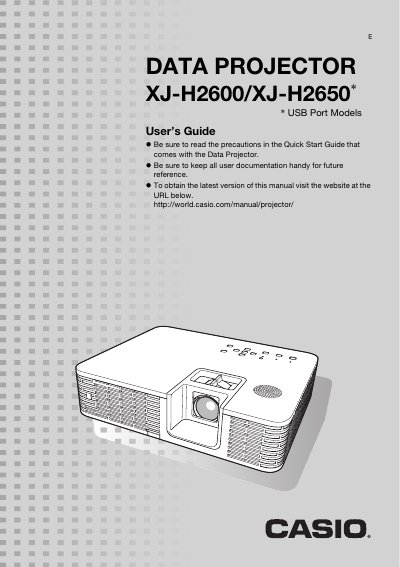
The Casio XJ-H2600/XJ-H2650 Data Projector features a mercury-free hybrid light source delivering 2,500 to 4,000 lumens. It supports multiple input sources including Analog RGB, composite video, S-video, component video, and HDMI, as well as 3D image projection via specific inputs.
The manual provides instructions for setting up the projector, connecting various devices like computers and cameras, adjusting image settings such as brightness and keystone correction, and using advanced features like Eco Mode and password protection. It also includes troubleshooting guides and cleaning procedures.
| Resolution | WXGA (1280 x 800) |
|---|---|
| Luminance | 2,500 to 4,000 lumens |
| Light Source | Mercury-free Hybrid Light Source |
The projector supports Analog RGB, composite video, S-video, component video (Y-Cb-Cr, Y-Pb-Pr), and HDMI input sources.
Yes, it supports 3D image projection via analog RGB, composite video, or S-video inputs using a field sequential protocol.
You can adjust the volume level using the VOLUME key on the remote controller or projector.