
Casio QV-120 Liquid Crystal Digital Camera Owner's Manual

The QV-120 Liquid Crystal Digital Camera is equipped with a built-in liquid crystal color monitor that allows you to instantly view the pictures you take. This manual provides detailed instructions and precautions for using the camera.
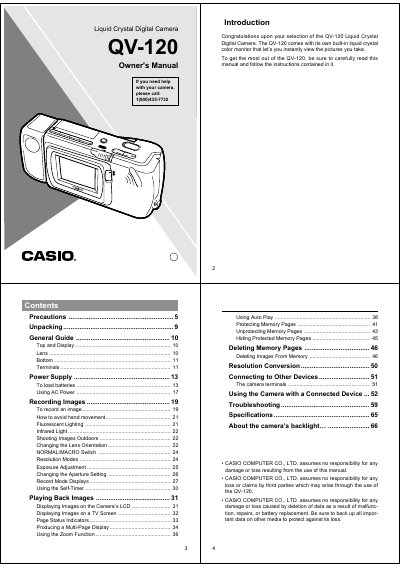

Casio QV-120 Liquid Crystal Digital Camera Owner's Manual - cover page
Brand
Casio
Category
Digital cameras
Document type
User Manual
Language
English
Pages
17
File format
PDF
File size
354 KB
Published
06 June, 2012
Updated
29 September, 2023
MD5 checksum
6957F0340961EF17BBDBD615ECB55A1A

About this manual

This document is the owner's manual for the Casio QV-120 Liquid Crystal Digital Camera. It provides instructions on using the built-in LCD monitor to view images instantly after taking them. The guide covers essential precautions regarding safety, battery usage, and data protection against memory errors caused by power loss during recording.

What's inside

  • Introduction
  • General Precautions
  • Check Included Items
  • Getting Acquainted
  • Using the Cleaning Cloth
  • Recording Images
  • Playing Back Images
  • Displaying Images on a TV Screen
  • Troubleshooting
  • Specifications

Specifications

Operating Temperature Range0°G to 40°C (32°F to 104°F)

Frequently asked questions

What should I do if condensation forms on the camera?

Remove the batteries and leave the battery compartment cover open for a few hours.

Can I use this camera while driving?

No, never try to take pictures or use the display while operating a motor vehicle.

Download PDF (354 KB)

More Casio Manuals


View all Casio manuals →