
This is a user manual for a CASIO product.
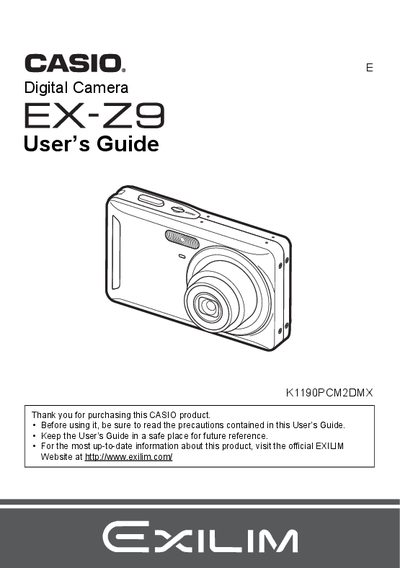
The Casio EX-Z9 is a digital camera that stores images on a memory card for unlimited recording and deletion. This manual provides instructions on charging the NP-60 battery, loading memory cards, and performing initial setup tasks such as configuring display language and date/time styles.
The guide details how to shoot snapshots using various modes like Face Detection and Anti Shake, record movies and audio, and utilize advanced settings including ISO sensitivity, white balance, and image quality. It also covers playback functions on the camera screen and via TV connection, as well as transferring files to Windows or Macintosh computers.
| Battery Type | Rechargeable lithium ion battery (NP-60) |
|---|---|
| Charger Model | BC-60L |
| Battery Rated Voltage | 3.7V |
| Battery Rated Capacitance | 720 mAh |
| Charging Time | 90 minutes |
The operating temperature range is 0 to 40°C (32 to 104°F).
The charger accepts an input of 100 to 240 V AC, 80 mA, 50/60 Hz.
You should visit the official EXILIM Website at www.exilim.com.