
User's Guide, introduces the features and characteristics of the product, including battery, charger, power cord, camera, data cable, AV cable, CD-ROM and other accessories, and introduces the use of the product.
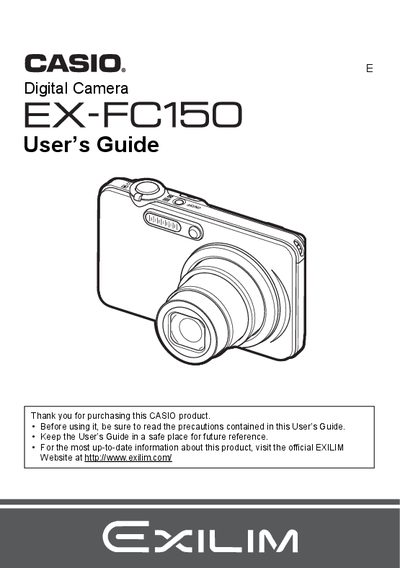
The Casio EX-FC150 is a compact digital camera designed for capturing high-quality snapshots and movies. This User's Guide explains how to unpack the device, charge the battery, and configure basic settings before first use. It details operation modes including snapshot shooting with various exposure controls, continuous shutter functions, and specialized scenes like High Speed Night Scene.
| Battery Type | Rechargeable lithium ion Digital camera battery (NP-40) |
|---|---|
| Charger Model | BC-31L |
The manual lists a section on Supported Memory Cards but does not specify the exact types in the provided text.
You can initialize a new memory card by following the steps described in the manual under 'To format (initialize) anew memory card'.
Yes, the camera allows you to shoot a snapshot while recording a movie.