
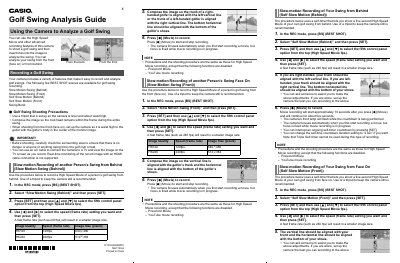
Casio Golf Swing Analysis Guide


Casio Golf Swing Analysis Guide - cover page
Brand
Casio
Document type
User Manual
Language
English
Pages
2
File format
PDF
File size
475 KB
Published
05 June, 2012
Updated
29 September, 2023
MD5 checksum
DE25044A7535AD3678C9AA1008F44229

About this manual

The document provides instructions on using specific BEST SHOT scenes, such as Slow Motion Swing (Front/Behind) and Self Slow Motion modes, to capture golf swings. It details setup precautions, including tripod usage and camera positioning relative to the golfer's body.

Additionally, the guide covers the 'Swing Burst' feature for capturing action with pre-recording capabilities and explains how to analyze recorded footage by placing alignment lines on specific body parts like the ball, hips, and neck.

What's inside

  • Recording a Golf Swing
  • Slow Motion Swing (Behind)
  • Slow Motion Swing (Front)
  • Self Slow Motion (Behind)
  • Self Slow Motion (Front)
  • Swing Burst
  • Analyzing a Swing from Behind
  • Analyzing a Swing from the Front

Frequently asked questions

Can I view the image on a TV while recording?

Yes, you can use an AV cable to connect the camera to a TV for real-time monitoring.

What frame rate setting results in a smaller image size?

Selecting a fast frame rate such as 240 fps will result in a smaller image size.

How many images can be recorded for each Prerecord CS operation?

You can record up to a maximum of 30 images, which includes pre-recorded buffer images plus real-time images.

How long does the self-timer countdown last before movie recording starts?

Movie recording will start approximately 10 seconds after you press the Movie button.

Download PDF (475 KB)

More Casio Manuals


View all Casio manuals →