
This is a user manual for a Casio digital camera, which introduces the camera's basic functions and operating methods
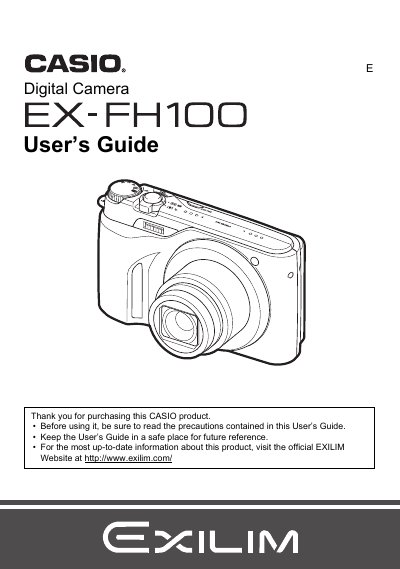
This document is the official User's Guide for the Casio EX-FH100 digital camera. It provides instructions on unpacking the device, charging the NP-90 battery, and configuring initial settings such as memory card formatting and date/time.
The guide details operation modes including snapshot shooting with various exposure controls (ISO, White Balance, EV Shift) and movie recording in High-definition or High Speed formats. It also covers advanced features like BEST SHOT scenarios, continuous shutter functions, image editing on the camera, printing via PictBridge, and transferring files to computers running Windows or Macintosh.
| Battery Type | Rechargeable lithium ion battery (NP-90) |
|---|---|
| Charger Unit | BC-90L |
The guide lists a section on 'Supported Memory Cards' but does not specify the exact types in the provided text.
The package includes a rechargeable lithium ion battery, a charger unit, a power cord, a USB cable, an AV cable, and a CD-ROM.