
Casio EX-F1 Digital Camera User's Guide

This is the user manual of a Casio digital camera. It introduces the camera's features and usage methods.
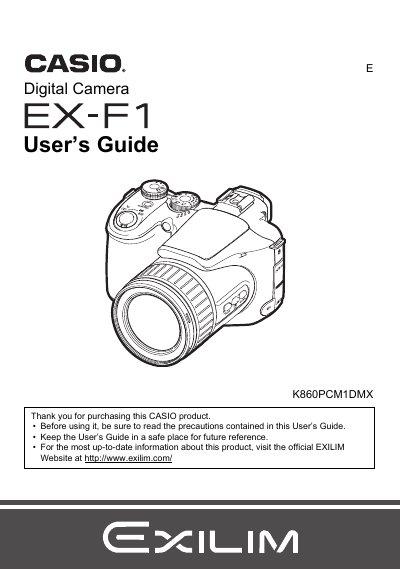

Casio EX-F1 Digital Camera User's Guide - cover page
Brand
Casio
Category
Digital cameras
Document type
User Manual
Language
English
Pages
186
File format
PDF
File size
5.5 MB
Published
05 June, 2012
Updated
30 September, 2023
Model
EX-F1
MD5 checksum
F5F8FBC7FEC100FB5A9CD1C67B38D7D3

About this manual

This manual provides instructions for using the CASIO EX-F1 digital camera. It begins with unpacking checks and initial setup steps such as charging the battery and configuring display settings. The guide details how to shoot snapshots in various modes, including continuous shutter and bracketing, as well as recording high-definition movies.

What's inside

  • Unpacking
  • Quick Start Basics
  • Snapshot Shooting
  • Recording Movies
  • BEST SHOT Functions
  • Advanced Settings
  • Viewing Snapshots and Movies
  • Other Playback Functions
  • Printing
  • Using the Camera with a Computer

Frequently asked questions

Where can I find the official website for this product?

You can visit the official EXILIM Website at http://www.exilim.com/ for up-to-date information.

What happens if I see dead pixels on the LCD panel?

Some very small number of pixels may not light or remain lit due to the characteristics of the liquid crystal panel, which does not indicate a malfunction.

Download PDF (5.5 MB)

More Casio Manuals


View all Casio manuals →