
This document is a user guide for a CASIO digital camera, providing information on precautions before use, unpacking and included accessories, as well as CASIO's disclaimer for product use.
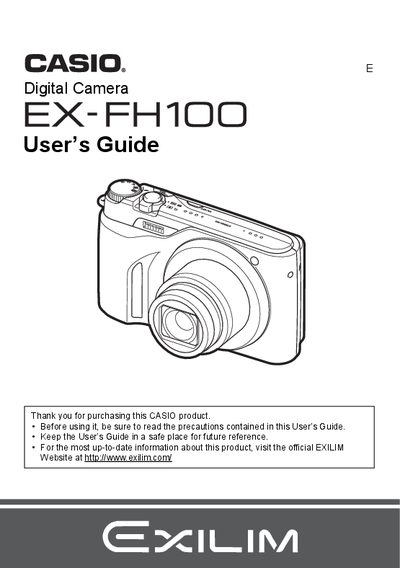
This manual provides instructions for using the Casio EX-FH100 digital camera. It covers unpacking the device, charging the NP-90 battery, and configuring basic settings such as date/time and language.
The guide details how to take snapshots and record high-definition movies, including features like High Speed Continuous Shooting (CS) and BEST SHOT modes. It also explains how to view images on the LCD or a TV, transfer files to a computer via USB or Eye-Fi card, and print photos using DPOF.
| Battery Type | Rechargeable lithium ion battery (NP-90) |
|---|---|
| Charger Unit | BC-90L |
The manual lists a section on 'Supported Memory Cards' but does not specify the exact types in the provided text.
The package includes a rechargeable lithium ion battery, a charger unit, a power cord, a USB cable, an AV cable, a CD-ROM, and a Quick Start Guide.
The camera uses a rechargeable lithium ion battery with the model number NP-90.
Users should visit the official EXILIM Website at http://www.exilim.com/ for the most current information.