
This document is a user's guide for CASIO digital camera, providing precautions, usage instructions, accessories list, and contact information.
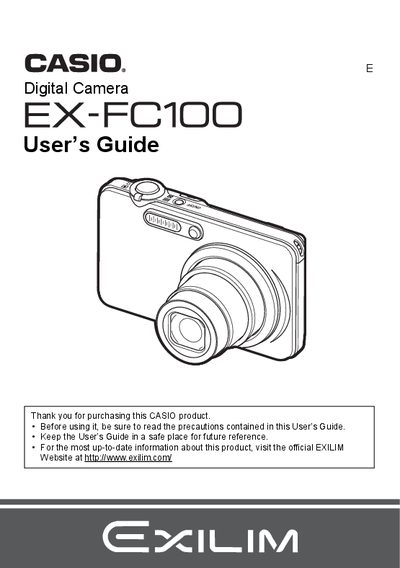
The Casio EX-FC100 is a compact digital camera designed for capturing high-quality snapshots and movies. This manual provides instructions on unpacking the device, charging the NP-40 battery, and configuring initial settings such as image quality and date/time.
Key features include snapshot shooting with various modes like High Speed Anti Shake and Face Detection, as well as movie recording in HD and for YouTube. The guide also details how to view images on the LCD or a TV screen, edit photos directly on the camera, transfer files to a computer via USB or Eye-Fi cards, and print using DPOF.
| Battery Type | Rechargeable lithium ion Digital camera battery (NP-40) |
|---|---|
| Charger Unit | BC-31L |
The manual lists 'Supported Memory Cards' as a section, but does not specify the exact types in the provided text.
Yes, there is a specific function to 'Recording a Movie for YouTube'.