
This is a user manual for a CASIO digital camera, which introduces the basic functions and methods of using the camera, as well as some precautions for use.
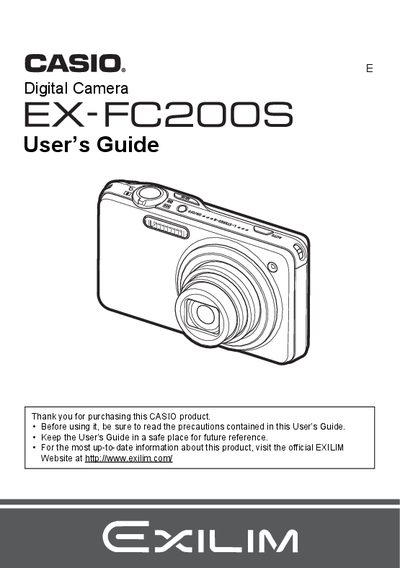
This manual provides instructions for using the Casio EX-FC200C digital camera. It covers unpacking the device, charging the battery, and configuring basic settings such as memory card preparation and initial power-on defaults.
The guide details various shooting features including snapshots, movies (including High Speed Movie and HDRArt), and specialized modes like Golf Swing Analysis and BEST SHOT. It also explains how to view images on the camera or a TV screen, transfer files to a computer, and use playback functions such as slideshow and movie editing.
You can use the High Speed Movie feature to record a golf swing and then insert lines into the image for analysis.
This is due to the characteristics of the liquid crystal panel and does not indicate a malfunction, as the pixel yield exceeds 99.99%.