
This manual describes how to replace the Mac Pro solid-state drive (SSD) carrier adapter
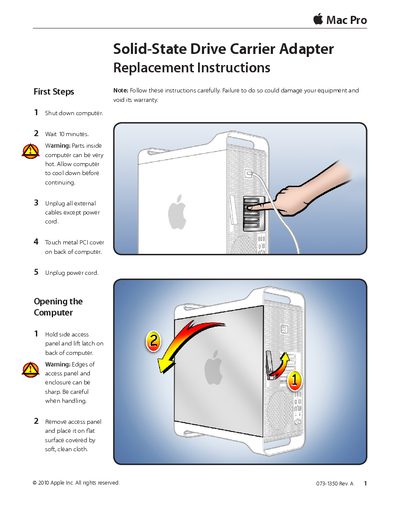
This document provides step-by-step instructions for replacing a solid-state drive (SSD) carrier adapter in an Apple Mac Pro computer. It covers safety precautions, required tools, and procedures for removing the old adapter and installing the replacement part.
The guide details how to shut down the computer safely, open the access panel, remove the drive carrier, detach the faulty adapter, and secure the new adapter before closing the unit.
You need a Phillips #1 screwdriver to complete this replacement.
Wait 10 minutes to allow the internal parts to cool down safely.