
HP PL4245N 42" HD-Ready Plasma TV User Guide

This is the user manual for the HP PL4245N 42-inch HD-Ready Plasma TV
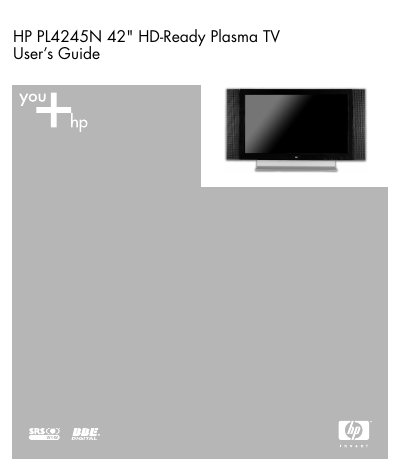

HP PL4245N 42" HD-Ready Plasma TV User Guide - cover page
Brand
HP
Document type
User Manual
Language
English
Pages
60
File format
PDF
File size
893 KB
Published
04 June, 2012
Updated
13 October, 2026
MD5 checksum
9D1ED94ED23B7B11459A8EE60F507007

About this manual

This user guide provides instructions for safely installing, operating, and troubleshooting the HP PL4245N 42" HD-Ready Plasma TV. It includes safety precautions, setup procedures for connecting various devices, operating controls, and troubleshooting tips. The guide also covers technical specifications and regulatory information.

What's inside

  • Safety
  • Precautions
  • Cleaning the TV
  • Preventing Image Retention
  • Wall Mounting or Stand Replacement
  • Introduction
  • What’s in the Box
  • Features
  • Overview
  • Identifying front panel controls and indicators

Frequently asked questions

What is the model of the TV described in this manual?

The model is HP PL4245N 42" HD-Ready Plasma TV.

What is the recommended way to move the TV when unpacking?

It is recommended that a minimum of two people move it.

What should you do if liquid is spilled on the TV?

Unplug the TV and contact a qualified service professional.

What is the warning about installing the TV in a kitchen or bathroom?

Avoid installing the TV in the kitchen, the bathroom, or any other area with high humidity.

Download PDF (893 KB)

More HP Manuals


View all HP manuals →