
This document is the user manual of HP Media Center Extender, which introduces the features and characteristics of the product.
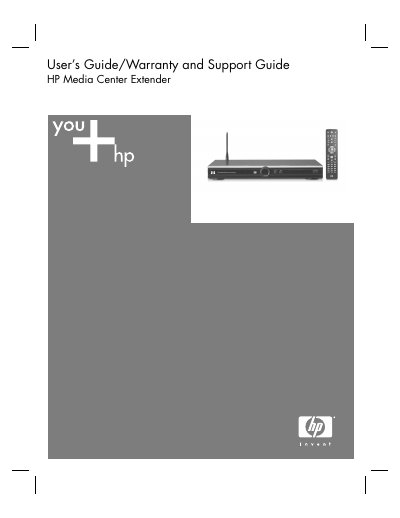
This guide explains how to install and configure the HP Media Center Extender, including system requirements, network setup, and the use of front‑panel controls such as the STANDBY and START buttons. It also describes the three‑button navigation scheme and the rear‑panel ports for audio, video, and Ethernet connections.
Additional sections cover maintenance tools, troubleshooting error codes, warranty registration, and how to obtain HP support. The document includes detailed information on power‑light status indicators, network performance tuning, and resource monitoring to help users keep the extender running smoothly.