
This is the HP Digital Entertainment Center User's Guide
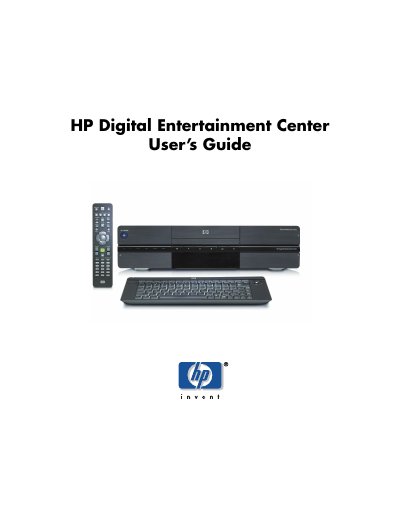
This guide helps you set up and use your HP Digital Entertainment Center with your home entertainment system. It covers connecting audio and video equipment, configuring the system, using the remote control, and troubleshooting common issues. The device includes features like a TV tuner, DVD player, FM radio, and a built-in media card reader. It supports both standard and high-definition TV, and can record TV shows with a programming guide.
Pushing the button turns the unit on, pushing it again puts it in standby, and holding it for four seconds turns it off.
A solid blue light indicates that the unit is currently on.
A solid amber light indicates that the unit is in standby mode.