
This is a user's guide for a 42-inch plasma television.
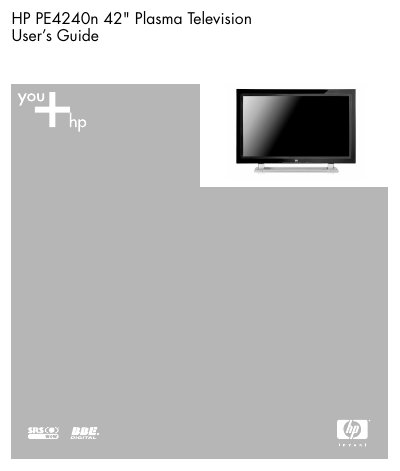
This user guide provides instructions for installing, operating, and maintaining the HP PE4240n 42-inch plasma television. It includes safety precautions, setup steps for connecting external devices, using remote controls, adjusting picture and sound settings, and troubleshooting common issues. The guide also covers proper placement, ventilation, and cleaning procedures to ensure safe and optimal performance.
Safety warnings and precautions are emphasized throughout, including risks of electrical shock, fire, and damage from improper handling or installation. The guide advises against self-repair and recommends contacting authorized service providers for maintenance.
| Screen Size | 42" |
|---|
Attach the speakers to the TV using the provided mounting hardware, then connect them using the audio cables specified in the guide.
Unplug the TV from the electrical outlet and contact a qualified service professional.
No, do not attempt to repair the TV yourself. Contact an HP authorized service provider.