
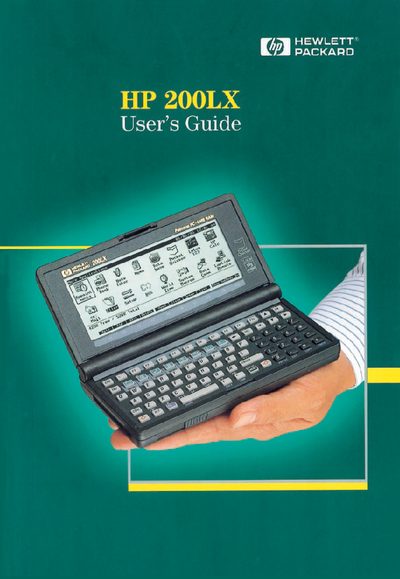
This guide covers getting started with the HP 200LX, including hardware and software features, password protection, memory management, and battery‑saving tips. Detailed sections explain the keyboard layout, dialog boxes, and file commands.
Later chapters describe personal information management tools such as the Appointment Book, Phone Book, and Database, as well as Pocket Quicken, the financial calculator, system management, and external communications. Appendixes and an index conclude the manual.
The manual includes a "Resetting your Palmtop" section that explains the reset procedure.
Technical support details are provided on the "Contacting Hewlett‑Packard Worldwide" page near the end of the manual.