
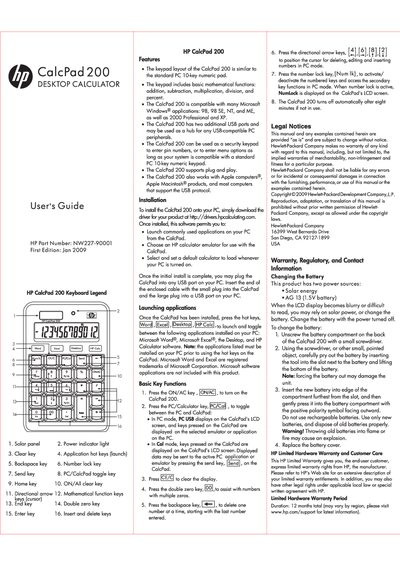
The HP CalcPad 200 is a USB‑connected desktop calculator that mimics a standard PC 10‑key numeric pad and adds basic mathematical functions, application hot‑keys, and two extra USB ports for peripheral hub use. It works with Windows 98/ME/2000/XP and Apple Macintosh computers, and supports plug‑and‑play operation.
The guide explains how to install the device, select a calculator emulator, use the hot‑keys to launch common applications, replace the internal AG13 battery, and understand the warranty and regulatory notices. It also includes safety, FCC, and disposal information for the product.
| Power sources | Solar energy and AG13 (1.5 V) battery |
|---|---|
| USB ports | Two additional USB ports |
Unscrew the battery compartment on the back, pry out the old AG13 battery with a small screwdriver, insert a new AG13 battery with the positive polarity outward, and replace the cover.
The CalcPad 200 works with Windows 98, 98 SE, NT, ME, 2000 Professional, XP, and also with Apple Macintosh computers.