
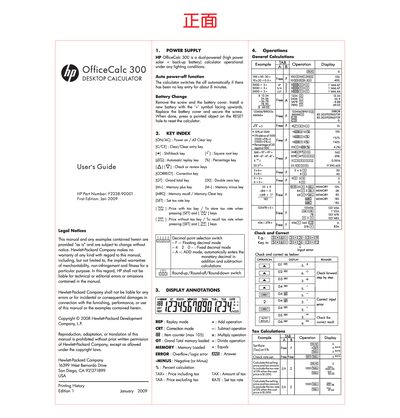
The HP OfficeCalc 300 is a dual‑powered desktop calculator that runs on high‑power solar cells and a backup battery. It features an auto power‑off function that turns the device off after about eight minutes of inactivity, and includes a full set of keys for calculations, tax handling, memory functions, and more.
The manual also contains legal notices, warranty terms, and contact information for HP customer support, outlining a 12‑month hardware warranty and one‑year technical support for the calculator.
| Power source | Dual‑powered (solar + backup battery) |
|---|---|
| Auto power‑off | Turns off after about 8 minutes of no key entry |
| Item counter capacity | Maximum 105 items |
Remove the screw and battery cover, install a new battery with the ‘+’ symbol facing upwards, replace the cover, secure the screw, and press the reset hole to reset the calculator.
It automatically turns the calculator off after about eight minutes of inactivity.