
The HP Digital Entertainment Center DE100C is a digital entertainment center that allows you to store, organize, discover, and play music. It features remote control and front panel operation, onscreen keyboard typing, internet connection, CD playing and recording, and music library management.
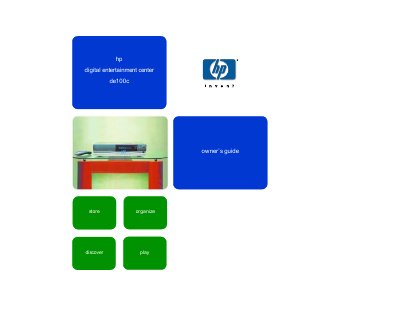
The HP Digital Entertainment Center DE100C is an Internet‑connected stereo component that lets you store, organize and play music from CDs, portable devices, and online sources. This Owner's Guide provides step‑by‑step instructions for installing the hardware, configuring network connections, and using the remote control and front panel.
Key sections cover getting started, remote control functions, music library navigation, CD playback and recording, internet radio streaming, power modes, and support information. The guide also includes troubleshooting tips and details on updating the device's software.
| Maximum CD capacity | up to 750 CDs |
|---|---|
| Supported video connections | VGA, S‑video, TV |
| Supported portable devices | MP3 player |
It can store and automatically catalog up to 750 CDs.
You can connect via dial‑up or broadband by following the installation steps and configuring the network settings as described in the guide.
Select the internet radio option from the menu, choose a station, and the device will stream the audio over your internet connection.