
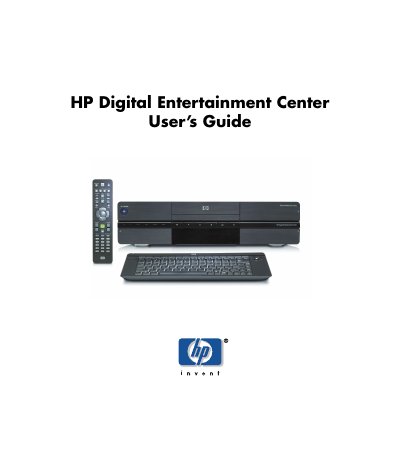
This user guide helps you set up and use your HP Digital Entertainment Center. It covers connecting audio and video equipment, configuring the system, using the remote control and keyboard, and troubleshooting common issues. The guide also explains features like recording TV, burning DVDs, and managing media files.
The device includes a built-in TV tuner, FM radio, CD/DVD player, 9-in-1 memory card reader, and wireless networking. It supports multiple display outputs and integrates with external devices like TVs, VCRs, and cameras.
| Built-in TV Tuner | Standard-definition (dual tuners for select models) |
|---|---|
| Audio Output | Digital Audio Out: optical and coaxial S/PDIF 5.1 surround; Analog Audio Out: up to 7.1 channels |
| Video Output | DVI, VGA, S-video, Component, Composite Video |
| Network | Ethernet 10/100/1000, integrated 802.11b/g wireless |
| Media Card Reader | 9-in-1 (SmartMedia/xD, MMC/SD, CompactFlash I/II, Micro drive, MS/MS-Pro) |
Connect audio using RCA jacks for analog output or optical/coaxial S/PDIF for digital output. Configure audio settings in Media Center.
The device supports DVI, VGA, S-video, Component, and Composite video outputs.
Yes, the device includes a compact wireless keyboard with an integrated trackball mouse.
You can schedule recordings using the programming guide, and the device can wake from standby to record scheduled shows.